

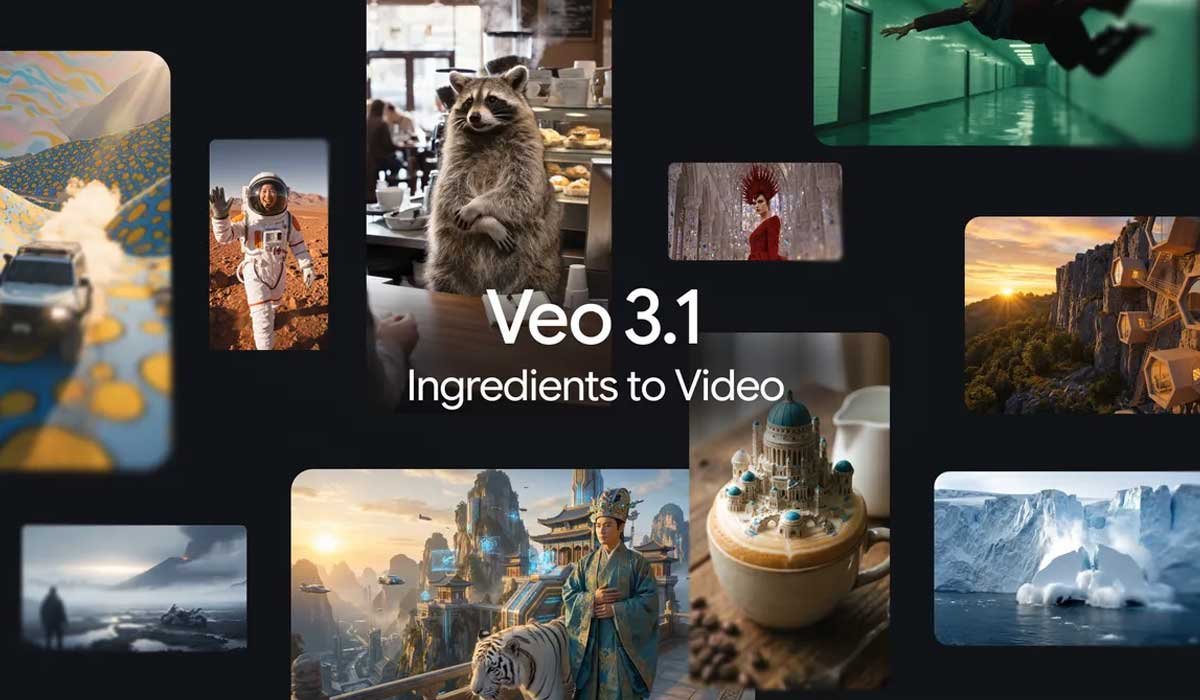
Google has rolled out its latest update to the Veo AI video creation model – Veo 3.1 — bringing enhanced creative tools and tighter control when transforming still images into dynamic video content. This upgrade focuses on giving creators more consistency across scenes, higher visual quality, and deeper creative flexibility than ever before.
What’s New in Veo 3.1?
With Veo 3.1, users can now:
- Generate videos from reference images that stay true to the original subjects, backgrounds and styles — minimising visual drift between cuts.
- Produce vertical (9:16) videos natively, which are ready for YouTube Shorts and other social platforms without needing manual cropping.
- Upscale videos to higher resolutions, including sharper 1080p and detailed 4K outputs for more polished results.
- Blend objects, textures and character elements into more cohesive and expressive sequences.
These improvements are designed for both casual creators and professional storytellers, helping elevate mobile‑first shorts and cinematic clips alike.




Built for Today’s Platforms
Veo 3.1 is integrated into multiple Google products including:
- Gemini mobile app
- YouTube Shorts and YouTube Create
- Flow (for editors)
- Gemini API and Vertex AI (for developers and enterprises)
This means you can directly create, edit, and publish high‑quality AI‑generated videos without switching between different tools.
Sharper Stories — With Consistency
A standout enhancement is the model’s ability to keep characters, objects, and settings visually aligned across multiple scenes. This consistency is key to smooth storytelling and coherent visuals — especially for branded content or narrative clips that rely on familiar faces or styles.
Why This Matters
In the boom of AI‑generated media, creators often struggle with visual inconsistencies or quality loss when adapting images into motion content. Veo 3.1 tackles these problems head‑on by giving users more control over the entire creative process — from assets to final output.
Creators can now rely on reference images not just for look and feel, but also for visual coherence, narrative continuity, and platform‑ready outputs — all from their phones or desktops.
Frequently Asked Questions (FAQs)
Q1: What is “Ingredients to Video” in Veo 3.1?
It’s a feature that lets you upload reference images representing characters, objects or backgrounds to guide the video generation process. This ensures the output stays consistent with your visual assets.
Q2: Can I create content ready for social media directly in Veo?
Yes. Veo 3.1 supports native vertical (9:16) video output, so you can generate shorts without cropping or editing after export.
Q3: What resolution can Veo 3.1 output?
Veo 3.1 now offers 1080p and 4K upscaling, giving creators high‑fidelity visuals for professional use.
Q4: Where can I use Veo 3.1 tools?
These features are available in the Gemini app, YouTube Create, Flow, Gemini API, and Vertex AI.
Q5: Is Veo 3.1 suitable for beginners?
Yes. While the advanced features benefit experienced creators, basic prompt‑based video creation is also accessible for beginners.
Disclaimer
The capabilities of AI video tools like Veo 3.1 are experimental and may evolve over time. Outputs may vary depending on input quality, prompts and user adjustments. Always review AI‑generated content for accuracy and appropriateness before publishing.